Powering Smarter Energy Decisions Through Predictive Intelligence.
Caldren connects energy forecasting, asset visibility, and scenario review to help operators make confident, data-informed decisions across their portfolios.
Connecting Energy Intelligence to a Smarter, More Resilient Future.
We unify energy assets, forecasting insights, and optimization scenarios in one intelligent operational platform.
ENERGY OPERATIONS01 / Connect
01 / CONNECT
How Do You Bring Every Energy Asset Into One View?
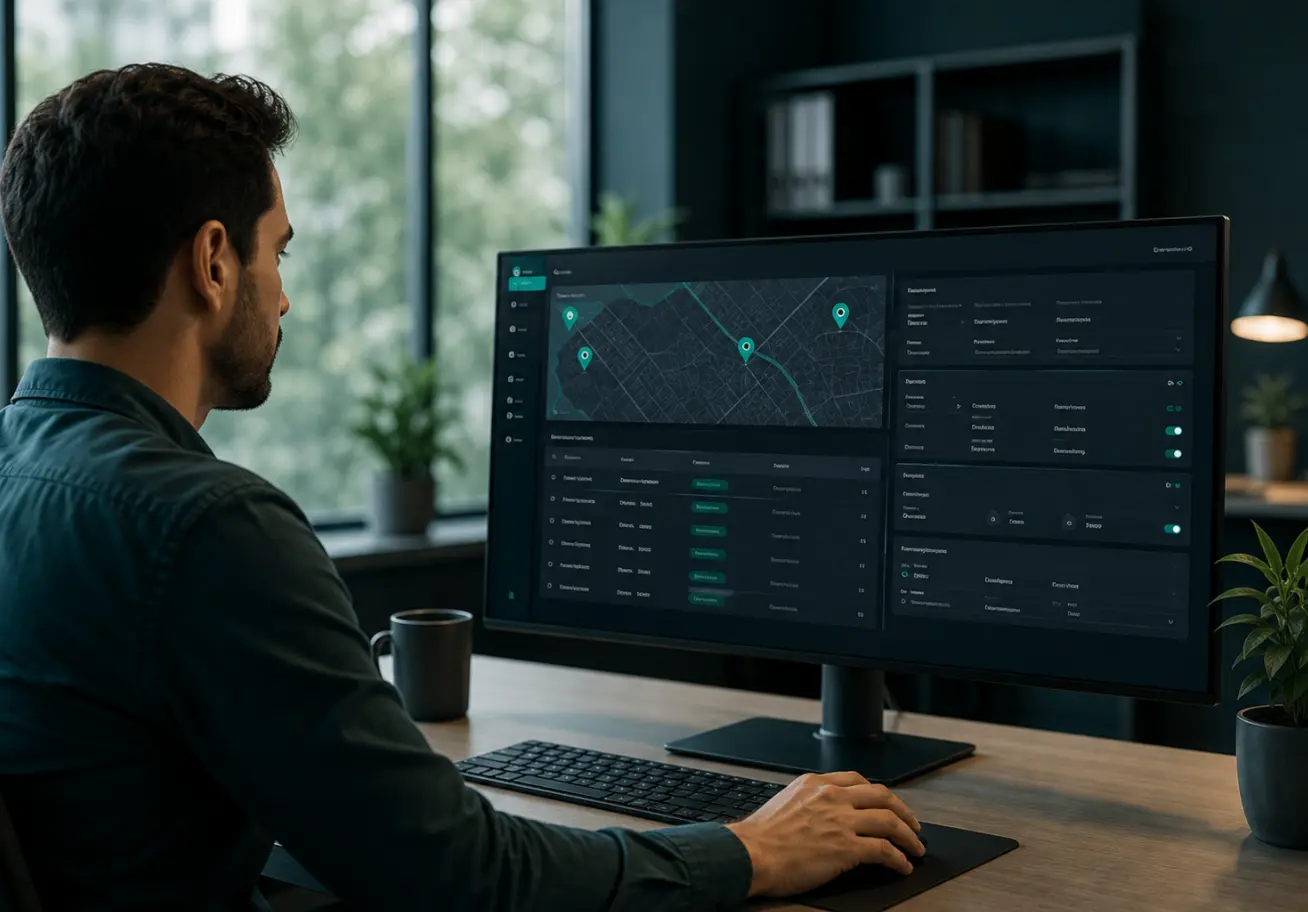
Caldren organizes sites, solar and wind installations, battery storage, and energy meters in a centralized registry. Teams can manage asset details, review site status, and keep essential operational records connected in one place.
Start with the data already available to your energy team.02 / UNDERSTAND
How Can You Turn Forecasts Into Meaningful Insights?
Caldren brings demand, solar, and wind forecast records together with actual energy values. Teams can review forecast accuracy, compare predicted and actual performance, and track model versions to better understand changing energy patterns.
Review forecast performance and changing energy patterns in context.03 / OPTIMIZE
How Do You Turn Energy Insights Into Better Decisions?
Caldren gives teams a structured way to review storage dispatch, load shifting, and procurement scenarios. Operators can assess objectives, constraints, and expected savings, approve or reject recommendations, and track scenario status with clear review history.
Your team reviews and approves recommendations with a clear history.
02 / FROM ENERGY DATA TO DECISIONS
Forecast demand. Review where to optimize.
Start with available energy data, then add forecast context when interval coverage qualifies.
UTILITY BILLS
Track energy use and spending.
Enter a bill’s period, kWh, and amount. With at least two months, compare changes in consumption and spend. Bill-only records do not produce a demand forecast.
INTERVAL READINGS
Understand when demand happens.
Upload a timestamp,kwh CSV. Caldren checks timestamps, kWh values, and duplicate timestamps within the file.
2026-10-01 09:00,42.6
ENERGY WORKFLOW01 / Context
01 / CONTEXT
Set up an energy workspace.
Create an organization and add each site's location, time zone, standard energy rate, and relevant peak tariff settings. Workspace owners can invite teammates.
Organize the sites your energy team is responsible for reviewing.02 / HISTORY
Bring in energy use and bills.
Upload interval readings or record monthly bills for the relevant site. Caldren checks formatting and values before saving. Recent data coverage is checked again when a forecast is requested.
Bills show spending trends; interval readings unlock demand estimates when coverage qualifies.03 / FORECAST
Review a seven-day demand outlook.
Forecasts require at least 14 complete days of recent hourly or sub-hourly readings with sufficient daily coverage. Caldren sends bounded daily summaries, a historical baseline, time zone, and tariff settings to the Groq API. Returned estimates are checked against the history.
Missing coverage? Add recent readings. Generation unavailable? Your history stays visible and you can retry.04 / OPTIMIZATION REVIEW
Decide what merits a closer look.
Review possible peak alerts and tariff-aware opportunities with energy, facilities, and finance colleagues. Compare suggestions with actual demand, schedules, and operating constraints before changing operations.
Caldren supports human review. It does not control equipment or guarantee savings.
03 / ONE ENERGY VIEW
Connect the signals. Keep the context close.
Bring readings, utility bills, tariffs, and forecasts together across your commercial sites. Give operations and energy teams a shared view of demand and opportunities to review.
Start with a focused site. Grow into your portfolio.
Try the Site plan for 30 days, then choose the capacity that fits your energy team.
SITE PLAN / FIRST 30 DAYS
Explore the energy toolkit. Start with up to three buildings.
Use bills and interval readings, invite your team, and review forecasts and tariff-aware opportunities. The Site trial lasts 30 days and requires no card.
30days to explore
Start Site trialAfter the trial, continue with Site or choose Portfolio through Plan & Access.
SAME ENERGY TOOLKIT / CHOOSE YOUR CAPACITY
Both self-serve plans include all current features and unlimited team seats. Campus portfolios can request a tailored conversation.
01 / CALDREN PLAN
Site
3 buildings maximum
USD$49/ month
A focused start for energy teams managing a small site portfolio.
Discuss your portfolio, energy data, and goals with the Caldren team.
All current Caldren features
Team invitations with no seat limit
Estimates when interval data qualifies
Portfolio access is activated with the displayed code in Plan & Access. Caldren collects no card details, processes no payment, and does not renew access automatically.
01 / TRY SITE
30 days, up to 3 buildings.
Explore the current features with no card required.
02 / CHOOSE
Stay with Site or grow.
Continue with Site at $49/month or choose Portfolio at $99/month for up to 10 buildings.
03 / CAMPUS
Talk through your portfolio.
Share your scale, energy data, and goals with the Caldren team.
ENERGY TEAM PERSPECTIVES / 04ILLUSTRATIVE ENERGY-TEAM PERSONAS
A clearer outlook for energy decisions.
These fictional personas show how different energy teams could use Caldren. They are not customer endorsements.
01
“A clear view of utility bills and interval readings would help our energy team prepare for the week.”
Alex MorganCommercial Energy ManagerEight-site portfolio · Bills and interval readings · Weekly demand planning02
“Putting a demand outlook beside its historical baseline would give us a better starting point for review.”
Enter monthly utility bills to review spending trends, or upload a CSV with timestamp,kwh interval readings. Seven-day forecasts require at least 14 complete days of recent hourly or sub-hourly readings with sufficient coverage.
Can I use Caldren with only utility bills?
Yes. Add at least two bills to compare usage and spending over time. Interval readings are required for daily energy and peak forecasts.
What do the forecasts and optimization insights show?
Forecasts estimate daily energy use and peak demand for the next seven days when data qualifies. Possible peak alerts and tariff-aware opportunities can help your team decide what to investigate. Review all estimates against actual conditions; Caldren does not control equipment.
Can my energy and operations teams share a workspace?
Yes. A workspace owner can invite teammates to the organization so they can review the same site data, forecasts, and opportunities.
What happens after the 30-day trial?
Historical data stays visible. Adding sites or bills, uploads, and new forecasts are gated until a plan is activated. Choose Site or Portfolio after the trial; the Site trial supports up to 3 buildings.
How does plan activation work?
A signed-in workspace owner selects Site ($49/month, up to 3 buildings) or Portfolio ($99/month, up to 10). The signed-in checkout accepts the displayed 4242 card number to add one month of access. Caldren stores no card details, processes no payment, and does not renew access automatically. Campus portfolios can contact sales.
SEND A MESSAGE
Talk with us about your energy priorities.
Tell us about your energy portfolio, the data you have, and the forecast or optimization question your team is exploring.
This notice describes how the current Caldren energy forecasting and optimization service uses information you provide.
01 / INFORMATION
Information we store
To provide the service, Caldren stores account names and email addresses, organization membership, site details, interval energy readings you upload, monthly utility bills you enter, and generated forecasts and recommendations. Site details can include location, time zone, and tariff settings.
Please do not include personal or sensitive information in building names, CSV uploads, or messages to us. A short description of your energy question is enough for a first contact.
02 / WORKSPACES
Workspace access
People invited to an organization can view its energy workspace information. Site and forecast views are scoped to the selected organization. Workspace owners can invite team members, so review invitations before sharing access.
03 / FORECASTS
Forecast processing
When an authorized team member requests a forecast, Caldren processes daily summaries from recent interval readings, a historical baseline, the site time zone, and tariff settings such as rates and peak hours. In the current system, a bounded summary containing 14-day daily usage history, the historical baseline, time zone, and configured tariff details is sent to Groq’s Chat Completions API to generate the forecast and recommendations. Raw interval CSV rows and direct account identifiers are not included in that request. A separately hosted NVIDIA GPU inference service remains a future direction and is not active.
Caldren checks returned values against the input history before displaying them and labels the forecast source and model version. Forecasts and optimization opportunities are estimates for your team to review alongside actual conditions. Groq is the current AI provider; if its service is unavailable or returns invalid data, the forecast is marked failed and can be retried.
Visitors who use the Caldren AI assistant send their question and a short recent chat history to Groq so it can answer from Caldren’s public product information. The assistant does not receive workspace records, and Caldren does not save the chat transcript. Do not enter private energy, account, or payment information into the assistant.
Separately, a workspace owner may opt in to model training. This optional setting is off by default. Only de-identified daily energy readings from opted-in organizations are used for training; the training data file excludes organization, building, and user identifiers. A separate private consent manifest is used for future model activation checks and is not included in the training data export. Withdrawing consent stops future exports from that organization and retires an active model release recorded as including it while a replacement is evaluated. Individual forecasts do not require this training consent.
04 / INQUIRIES
Contact inquiries
If you use the general contact form, Caldren saves your name, email address, optional company name, and message. A Campus sales inquiry also includes your estimated building count, operating regions, available energy data, goals, and target timeline. Caldren attempts to email submitted inquiries to [email protected] so the team can respond. If email delivery fails, the inquiry remains saved in Caldren’s database.
05 / PLAN ACTIVATION
Plan activation records
Caldren records the selected plan reference and access period when an owner submits the displayed 4242 card number in the signed-in checkout. Card form values are used only to validate that request, then discarded; Caldren does not store card details, contact a payment network, or process a payment.
06 / GET IN TOUCH
Questions and requests
Email [email protected] with questions about your information or to request deletion of your account and associated workspace data. Include enough information for us to identify the workspace; please do not email private meter data as part of the request.
Using Caldren?
Read the service terms for trial, forecast, and plan activation details.
These terms describe Caldren’s current AI-assisted energy forecasting and optimization insights for commercial energy teams.
01 / SERVICE
The service
Caldren helps teams organize site-level energy readings and utility bills, review historical trends, and request AI-assisted seven-day energy and peak estimates when sufficient interval data is available. It highlights possible peak and tariff opportunities for your team to assess as part of energy optimization decisions.
02 / WORKSPACES
Accounts and teams
You are responsible for keeping your account credentials secure and for the people you invite to your organization. Team members with access to a workspace can see that organization's site-level energy information. Workspace owners manage invitations and plan activation.
03 / INPUTS
Data you provide
Upload or enter only information you are authorized to use. Check the accuracy of readings, bills, site details, and tariff settings before relying on an analysis. Keep personal and sensitive information out of building names, CSV files, and contact messages.
04 / ANALYSIS
Estimates and decisions
Forecasts, peak alerts, and opportunities are estimates based on the information available to Caldren. They do not guarantee accuracy, savings, or a particular operating result. Review them against actual conditions and use your own judgment before making energy or operational decisions. Caldren does not control equipment.
05 / ACCESS
Trial and access
New organizations receive a 30-day trial without providing a card, with a maximum of 3 buildings in the Site trial workspace. After access expires, historical workspace data remains visible, while adding buildings or bills, uploading readings, and generating forecasts are gated until access is active again.
06 / PLAN ACTIVATION
Plan activation
Caldren offers Site at USD 49/month for up to 3 buildings and Portfolio at USD 99/month for up to 10. Campus portfolios can contact sales for a tailored discussion. Signed-in workspace owners can enter the displayed 4242 card number in the plan activation checkout to record the selected tier and add one month of access. Card form values are discarded after validation. Caldren does not contact a payment network, process a payment, or renew access automatically.
07 / AVAILABILITY
Availability and retries
Forecast generation depends on an external API and can fail or be unavailable. If it fails, historical data remains available in the workspace and you can try again later. For questions about the service, contact [email protected].
Questions about your data?
See what Caldren stores and sends when you request a forecast.


.webp)
.webp)
.webp)
.webp)
.webp)